
Account-authorized access
Sign in with an active account authorized for your computer. Your available credits and device price stay visible.
A focused Windows tool for supported SMILE, ZTE, MTN and ZLT devices. Guided device workflows, clear credit pricing, and account access built around your computer.
The essentials you need, in a clean desktop workspace.
Sign in with an active account authorized for your computer. Your available credits and device price stay visible.
Connect your selected router by USB / LAN. Choose an internet adapter for account services when you need to.
Receive administrator updates and notices, keep your device preferences, and work in a light or dark theme.
Purchase ASUT for $100 and get 100 credits included. Device charges are clear before you start.
Contact our team to arrange purchase and account activation.
Each unlock uses the listed number of credits. Your account shows the current device tariff before you start.
| Device / model | Device ID | Credits / unlock |
|---|---|---|
 SMILE SM-LT300SMILE device family | LT300 | 2 credits |
SMILE SM-LT200SMILE device family | LT200 | 2 credits |
SMILE SM-LT200+SMILE device family | LT200PLUS | 2 credits |
 ZTE MF935ZTE device family | MF935 | 3 credits |
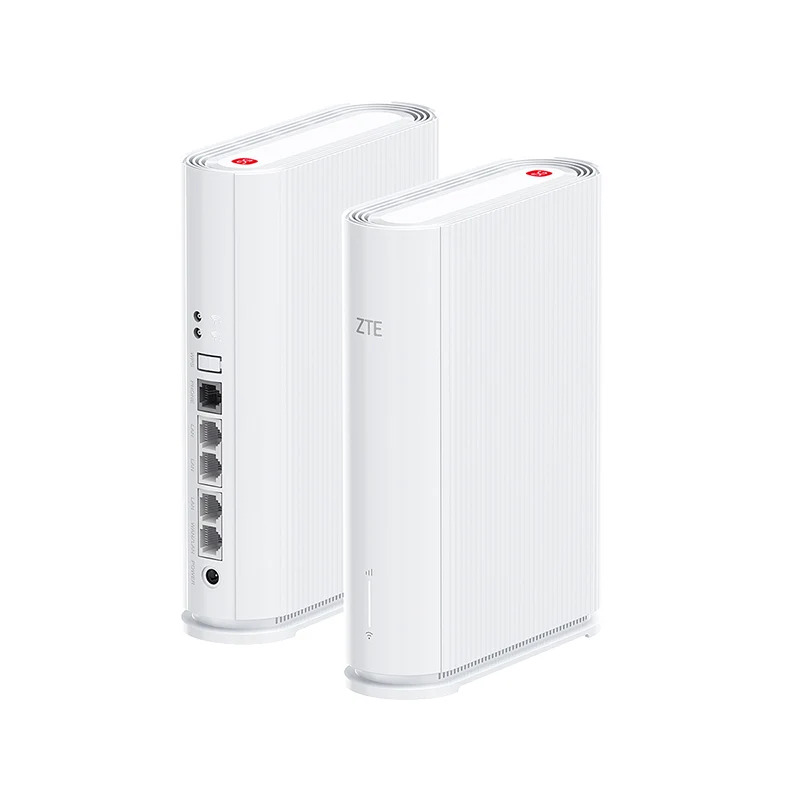 ZTE G5TSZTE device family | G5TS | 10 credits |
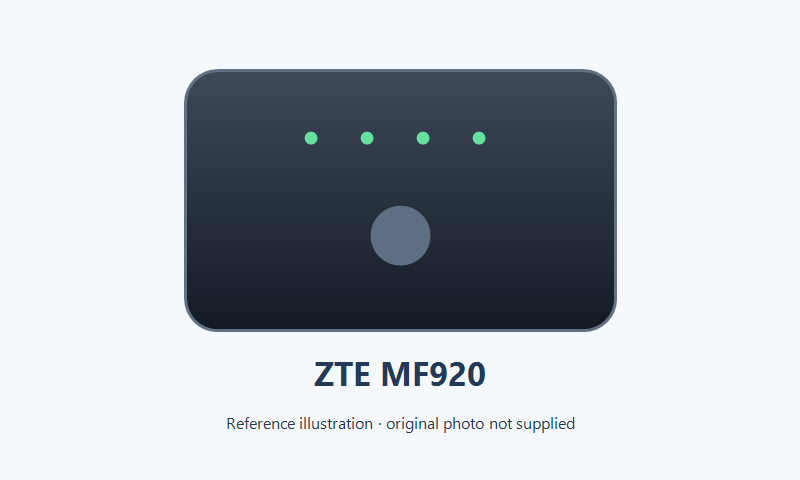 ZTE MF920ZTE device family | MF920 | 3 credits |
 MTN LT511AMTN device family | LT511A | 3 credits |
 ZLT M30PROZLT device family | M30PRO | 3 credits |
 ZLT M30SPROZLT device family | M30SPRO | 3 credits |
 ZLT M30SZLT device family | M30S | 3 credits |
 ZLT T30ZLT device family | T30 | 7 credits |
 ZLT S20ZLT device family | S20 | 7 credits |
 ZLT S25ZLT device family | S25 | 8 credits |
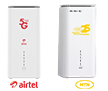 ZLT X25ZLT device family | X25 | 8 credits |
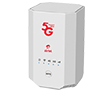 ZLT X28ZLT device family | X28 | 8 credits |
✓ More devices coming soon. Compatibility depends on the selected model and firmware.
Four steps to your ASUT workspace.
Arrange your $100 purchase with our team. Your package includes 100 credits.
Use Copy HWID in the login window and send it to the administrator for hardware authorization.
Select the exact model, connect via USB / LAN, and confirm the device address.
Sign in, check your credits and price, and follow the app's connection and completion guidance.
An authorized account and an internet connection are required for device operations.
Your ASUT purchase includes the portable application and 100 credits. The credit charge for each supported model is listed in the pricing table.
The portable release includes its matched runtime and support files. Run the Windows executable and allow it to initialize its workspace.
Your account is authorized for your computer. Copy the HWID from the login window and provide it to the administrator during activation.
Compatibility is model- and firmware-specific. MF935 requires a supported firmware variant. The verified X25A 4.13.1 / TZ7.823.433A / NG0002 profile supports unlocking and carrier re-locking. Legacy X25 requires firmware below 4.0.2 and X28 below 4.0.1. Contact support to confirm your device before purchasing.
Contact support to arrange credits. Administrators can add units or supply a voucher for Settings → Load credits. The app also checks the administrator's published update policy and download link.
Questions about a model, purchase, activation or credits? We're one message away.